Moz Q&A is closed.
After more than 13 years, and tens of thousands of questions, Moz Q&A closed on 12th December 2024. Whilst we’re not completely removing the content - many posts will still be possible to view - we have locked both new posts and new replies. More details here.
Schema Markup Errors - Priority or Not?
-
Greetings All...
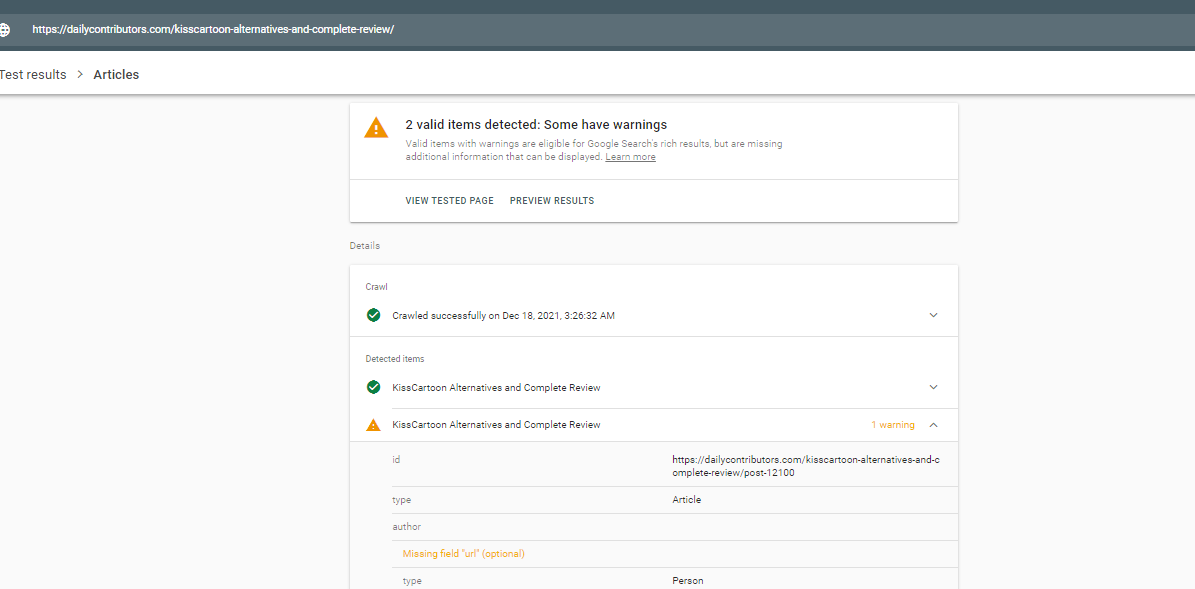
I've been digging through the search console on a few of my sites and I've been noticing quite a few structured data errors. Most of the errors are related to: hcard, hentry and hatom. Most of them are missing author & entry-title, while the other one is missing: fn.
I recently saw an article on SEL about Google's focus on spammy mark-up. The sites I use are built and managed by vendors, so I would have to impress upon them the impact of these errors and have them prioritize, then fix them.
My question is whether or not this should be prioritized? Should I have them correct these errors sooner than later or can I take a phased approach? I haven't noticed any loss in traffic or anything like that, I'm more focused on what negative impact a "phased approach" could have.
Any thoughts?
-
In that case I would say a phased approach would be fine. It is an issue that should be addressed, but I wouldn't classify it as "critical".
-
Thanks for the responses.
These changes will be managed by the developers, so it won't impact any other priorities that I have in the queue. My concern was whether this was pressing enough that I would have to push the developer towards a hard timeline vs a more phased one. I took a look at other clients on this platform and saw the same errors. So, this may be a platform wide markup error.
These are automotive clients, so their sites are OEM mandated. Therefore, I don't have any say in the types of markup they use. But, my goal is to impress upon them the fact that these errors could definitely negatively impact my clients (if not now, in the future).
-
I think it depends on what else you have in the queue for your clients. Without knowing what other priorities you have, I can't say whether this is more or less important. However, as Patrick said, correct markup helps search engines understand more about the context of what's on the page. It probably won't make a big ranking impact, and I doubt you're going to get penalized for some markup errors as long as you're not trying to spam using markup.
I definitely prefer Schema.org markup over Hcard, but rather than implementing it as per Schema.org you may want to consider JSON-LD - https://developers.google.com/schemas/formats/json-ld .
-
Hi there
Yes, I would consider this a priority as you want to have the most upto date and relevant markup on your site, so that crawlers can better understand your important information and attribute the right properties to your site/content.
I would also focus on Schema, as it's recognized by major search engines like Google, Bing, Yahoo, and Yandex, so you are pleasing multiple crawlers at once. Pages that have this markup also tend to rank four positions higher than pages without. So it is definitely worth the investment of time.
Hope this helps! Good luck!

Got a burning SEO question?
Subscribe to Moz Pro to gain full access to Q&A, answer questions, and ask your own.
Browse Questions
Explore more categories
-
Moz Tools
Chat with the community about the Moz tools.
-
SEO Tactics
Discuss the SEO process with fellow marketers
-
Community
Discuss industry events, jobs, and news!
-
Digital Marketing
Chat about tactics outside of SEO
-
Research & Trends
Dive into research and trends in the search industry.
-
Support
Connect on product support and feature requests.
Related Questions
-
Subdomain 403 error
Hi Everyone, A crawler from our SEO tool detects a 403 error from a link from our main domain to a a couple of subdomains. However, these subdomains are perfect accessibly. What could be the problem? Is this error caused by the server, the crawlbot or something else? I would love to hear your thoughts.
Technical SEO | | WeAreDigital_BE
Jens0 -
Errors In Search Console
Hi All, I am hoping someone might be able to help with this. Last week one of my sites dropped from mid first day to bottom of page 1. We had not been link building as such and it only seems to of affected a single search term and the ranking page (which happens to be the home page). When I was going through everything I went to search console and in crawl errors there are 2 errors that showed up as detected 3 days before the drop. These are: wp-admin/admin-ajax.php showing as response code 400 and also xmlrpc.php showing as response code 405 robots.txt is as follows: user-agent: * disallow: /wp-admin/ allow: /wp-admin/admin-ajax.php Any help with what is wrong here and how to fix it would be greatly appreciated. Many Thanks
Technical SEO | | DaleZon0 -
404 Error Pages being picked up as duplicate content
Hi, I recently noticed an increase in duplicate content, but all of the pages are 404 error pages. For instance, Moz site crawl says this page: https://www.allconnect.com/sc-internet/internet.html has 43 duplicates and all the duplicates are also 404 pages (https://www.allconnect.com/Coxstatic.html for instance is a duplicate of this page). Looking for insight on how to fix this issue, do I add an rel=canonical tag to these 60 error pages that points to the original error page? Thanks!
Technical SEO | | kfallconnect0 -
How do I fix Title Element Too Long (> 70 Characters) errors?
I have read through other postings about this issue, but since I have over 400 of these errors I am interested in seeing how to fix this issue quickly. Does anyone have a ideas or suggetions? Thanks, Lisa
Technical SEO | | lisarein0 -
429 Errors?
I have over 500,000 429 errors in webmaster tools. Do I need to be concerned about these errors?
Technical SEO | | TheKrazyCouponLady0 -
Is it worth adding schema markup to articles?
I know things like location, pagination, breadcrumbs, video, products etc have value in using schema markup. What about things like articles though? Is it worth all the work involved in having the pages mark up automatically? How does this effect SEO, and is it worthwhile? Thanks, Spencer
Technical SEO | | MarloSchneider0 -
Diagnosing Canonical Errors Is Screaming frog reliable?
Morning from suny & warm wetherby UK 🙂 On this page http://www.goldsboroughestates.co.uk/how-we-care-for-you/right-to-manage/ screaming frog is citing a canonical error but I'm confused as this piece of code is in place: http://www.goldsboroughestates.co.uk/About/right-to-manage" /> So my question is please - "Does this page http://www.goldsboroughestates.co.uk/how-we-care-for-you/right-to-manage/ have a caninical error or is screaming frog useless? Other examples where screaming frog is picking up canonical errors include:
Technical SEO | | Nightwing
http://www.goldsboroughestates.co.uk/what-our-customers-say/right-to-manage/
http://www.goldsboroughestates.co.uk/buying-a-home/right-to-manage/ Oh forgot to say the preffered version is http://www.goldsboroughestates.co.uk/About/right-to-manage/ Any insights welcvome 🙂0 -
404 errors on non-existent URLs
Hey guys and gals, First Moz Q&A for me and really looking forward to being part of the community. I hope as my first question this isn't a stupid one but I was just struggling to find any resource that dealt with the issue and am just looking for some general advice. Basically a client has raised a problem with 404 error pages - or the lack thereof- on non-existent URLs on their site; let's say for example: 'greatbeachtowels.com/beach-towels/asdfas' Obviously content never existed on this page so its not like you're saying 'hey, sorry this isn't here anymore'; its more like- 'there was never anything here in the first place'. Currently in this fictitious example typing in 'greatbeachtowels.com/beach-towels/asdfas**'** returns the same content as the 'greatbeachtowels.com/beach-towels' page which I appreciate isn't ideal. What I was wondering is how far do you take this issue- I've seen examples here on the seomoz site where you can edit the URI in a similar manner and it returns the same content as the parent page but with the alternate address. Should 404's be added across all folders on a site in a similar way? How often would this scenario be and issue particularly for internal pages two or three clicks down? I suppose unless someone linked to a page with a misspelled URL... Also would it be worth placing 301 redirects on a small number of common mis-spellings or typos e.g. 'greatbeachtowels.com/beach-towles' to the correct URLs as opposed to just 404s? Many thanks in advance.
Technical SEO | | AJ2340